

Download Drum Beats Rhythm Machine – drum machine, rhythm generator, drum loops, music practice, drumming app, music composition tool, portable drummer, beat maker, music app for guitarists, virtual drummer
Overview
Drum Beats Rhythm Machine, also known as Beats+, is a portable music application designed to assist musicians in practicing rhythm, testing compositions, and exploring genre-specific drum patterns. The software provides over 50 preprogrammed drum loops across various musical styles, allowing users to play along with dynamic, looping rhythms in real time. Its primary purpose is to serve as a virtual drummer, enabling guitarists, composers, and songwriters to hear how their melodies or chord progressions might sound with a full rhythmic accompaniment. The app supports tempo adjustments, making it suitable for both slow practice sessions and high-energy rehearsal scenarios. Target users include independent musicians, music students, and producers seeking a lightweight tool for early-stage song development. While the developer, Drum Beats, is credited with the creation, no additional background information is available. The app is available on both Android and iOS platforms, making it accessible for mobile musicians on the go. Real-world use cases include live jamming, studio pre-production, and rhythm training. The inclusion of a “Hit Songs” pack offers a nostalgic touch, allowing users to experiment with familiar beats, though exact song titles are altered for legal reasons.
Key Features & Capabilities
- 50+ Preprogrammed Drum Loops – Offers a diverse range of rhythmic patterns across genres such as rock, jazz, hip-hop, electronic, and Latin. Each loop is designed to be looped seamlessly, providing continuous playback for practice or composition.
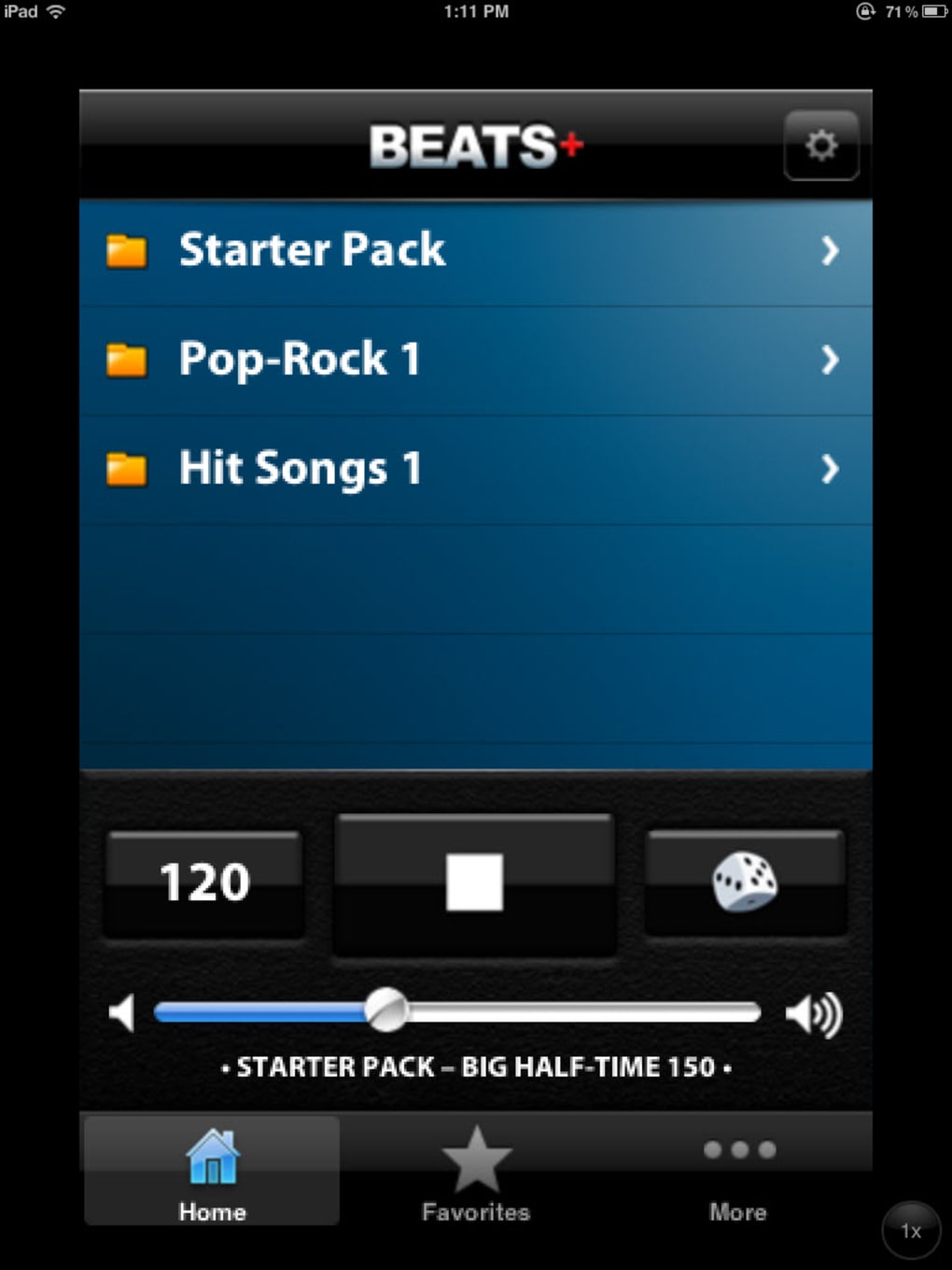
- Genre-Specific Packs – Organizes drum patterns into thematic collections, enabling users to quickly switch between styles and explore different musical textures.
- Tempo Adjustment – Allows users to modify the playback speed to match their practice pace or song requirements, supporting both slow and fast tempos.
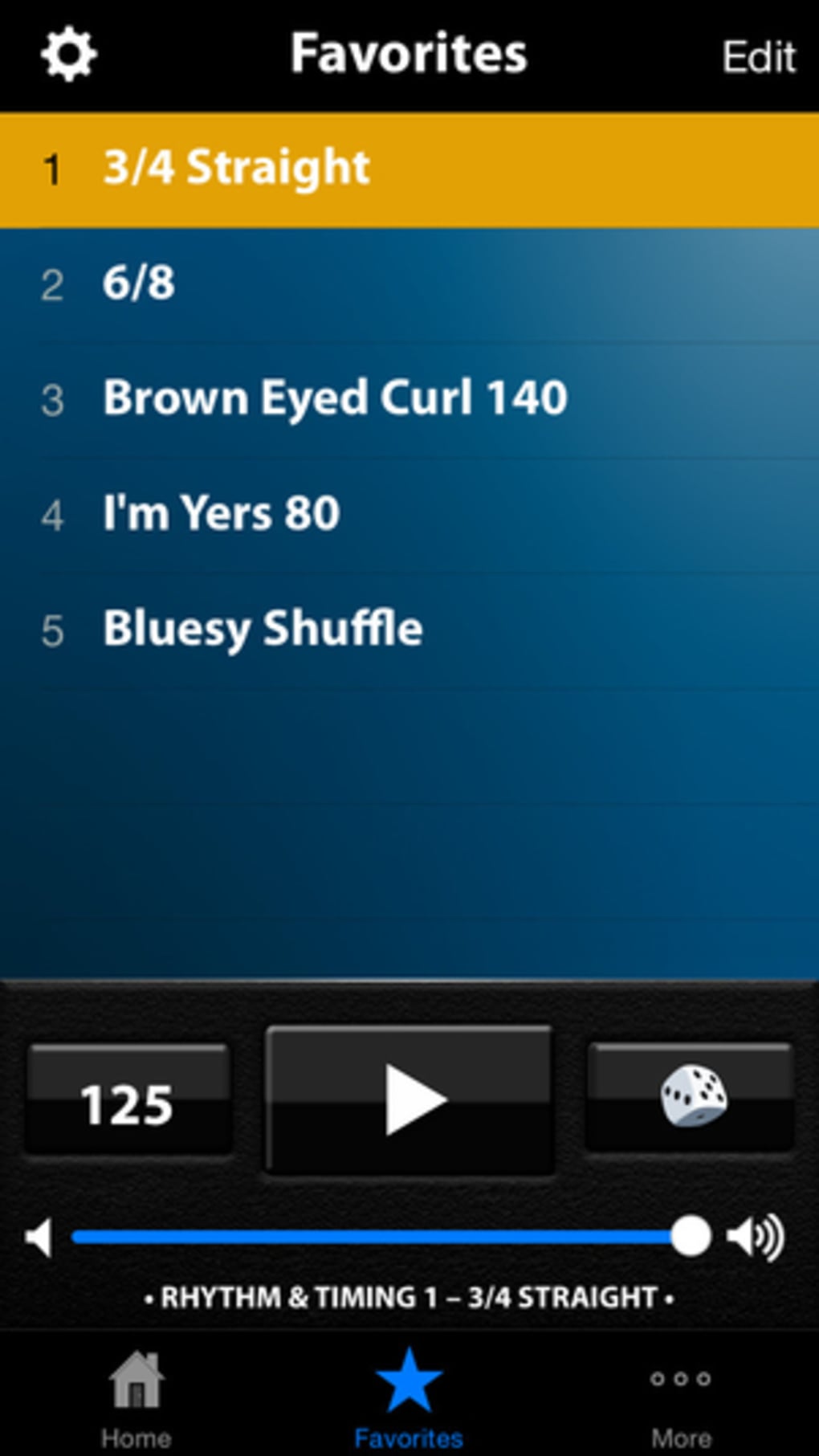
- Favorite Rhythms Save – Users can bookmark preferred loops for quick access from the main toolbar, streamlining workflow during frequent use.
- Hit Songs Pack (Standard Version) – Includes recognizable rhythm patterns from popular tracks, offering a fun and educational way to study real-world arrangements.
- High-Quality Audio Output – Features clean, well-balanced sound with realistic acoustic drum samples and varied electronic effects, enhancing the overall listening and practice experience.
These features support practical applications such as rehearsing guitar parts against a consistent beat, testing chord progressions with dynamic rhythm, and developing a deeper understanding of groove and timing. The ability to loop and adjust tempo makes it ideal for both beginners and intermediate musicians refining their sense of rhythm. The inclusion of a curated “Hit Songs” pack adds value by bridging creative exploration with real-world musical references.
User Interface, Workflow & Performance
The interface of Drum Beats Rhythm Machine is described as simple and intuitive, focusing on ease of access to core functions. Users can navigate through genre packs with minimal effort, select a drum loop, adjust the tempo, and start playback with just a few taps. The main toolbar displays saved favorites, allowing for rapid switching between preferred rhythms. The workflow is linear and efficient, reducing friction during practice or creative sessions. The app’s performance is expected to be stable given its focused functionality, though exact resource usage details were not specified. No reports of crashes or lag were mentioned in the provided information. The developer did not provide additional system requirements or performance benchmarks. General software behavior patterns suggest smooth operation on modern smartphones and tablets. The audio engine appears optimized for real-time playback, with no indication of latency or dropouts. Stability during extended use remains unverified, but the absence of reported issues implies consistent operation under normal conditions.
Compatibility & System Requirements
Drum Beats Rhythm Machine is available for both Android and iOS operating systems. The software version is listed as 1.0.0, with a file size of 200 MB, indicating a compact footprint suitable for mobile devices with limited storage. The developer did not specify exact hardware requirements, such as minimum RAM or processor speed. Compatibility information is limited to platform availability, with no mention of tablet support or desktop versions. The app is designed for mobile use, suggesting it is optimized for touchscreen interaction. Users should ensure their device meets standard app requirements for the respective operating system. No information was provided about offline functionality, though the nature of the app implies it can be used without an internet connection after installation. The installation size is modest, which may benefit users with constrained storage space.
Pros and Cons
Pros
- Simple, intuitive interface ideal for quick access and use
- Over 50 preprogrammed drum loops across multiple genres
- Tempo control enhances practice flexibility
- Favorite rhythm saving improves workflow efficiency
- High-quality audio with realistic acoustic and electronic drum sounds
- Includes a “Hit Songs” pack in the standard version
Cons
- No information on system requirements or hardware compatibility
- Exact performance metrics such as CPU or RAM usage were not provided
- Altered song titles in the Hit Songs pack may cause confusion
- App is not available for desktop platforms
- Limited customization options beyond tempo and loop selection
FAQ Section
Is Drum Beats Rhythm Machine available for Windows or Mac?
The app is currently available only for Android and iOS devices. There is no desktop version listed in the provided information.
Can I use the app offline?
While not explicitly stated, the app’s functionality suggests it can be used without an internet connection after installation, as it relies on locally stored drum loops.
Are the drum loops customizable?
Based on the available details, users can select loops and adjust tempo, but no advanced editing or customization features were mentioned.
Is the app secure to download?
The app is distributed through official app stores (App Store and Google Play), which are known for vetting applications. No security risks were reported.
What does the in-app purchase include?
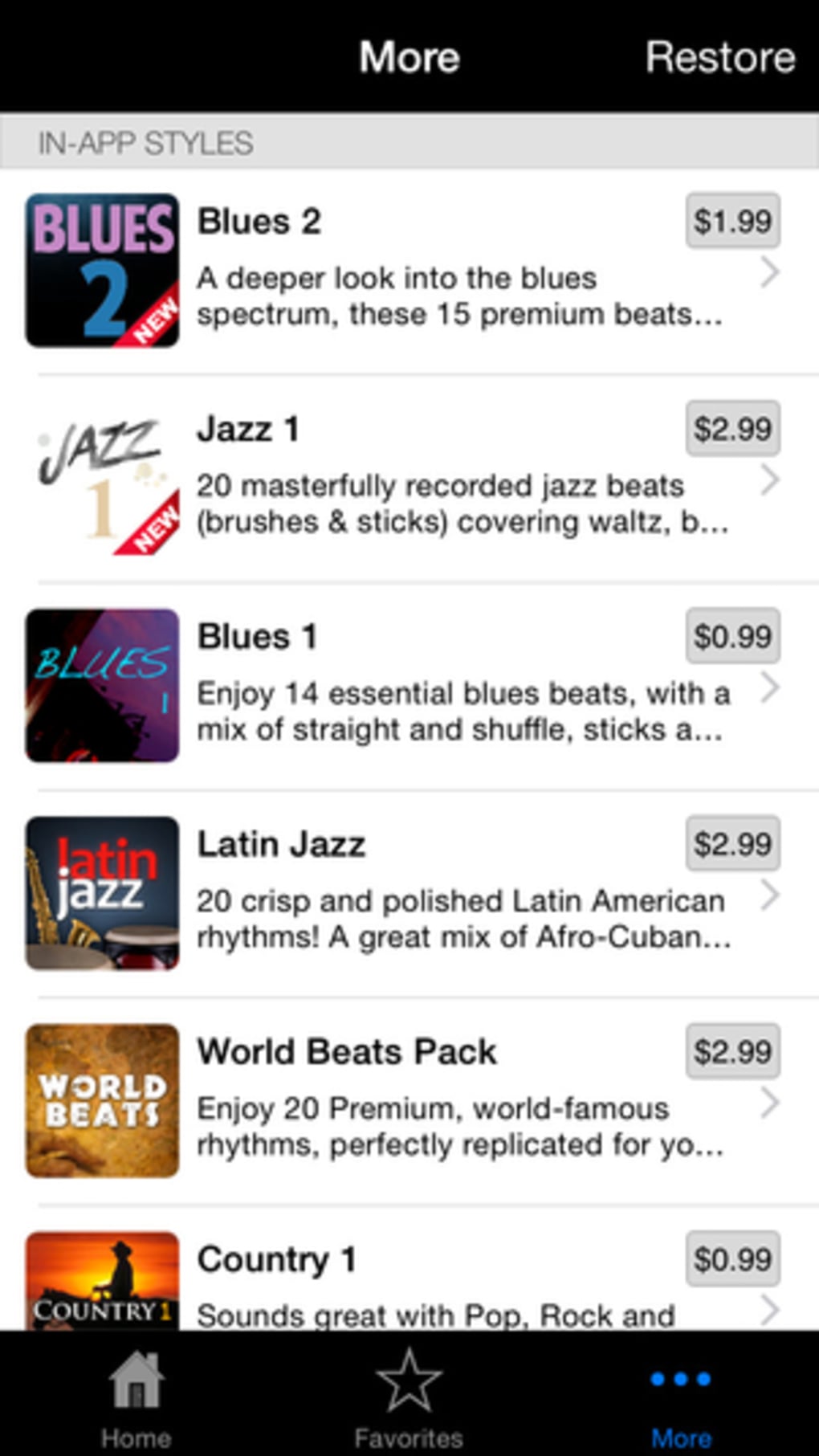
In-app purchases are available for additional rhythms, though specific details about new content were not provided in the input.
Final Thoughts + CTA
Drum Beats Rhythm Machine stands out as a focused, portable tool for musicians seeking a reliable rhythm companion. Its clean interface, diverse drum loop library, and high-quality audio output make it a valuable asset for guitarists, composers, and songwriters. While it lacks advanced editing features or desktop support, its core purpose—providing instant, loopable drum accompaniment—is executed effectively. The inclusion of a “Hit Songs” pack adds both educational and entertainment value. For users who need a simple, dependable way to test rhythm and timing on the go, this app delivers. It is not a full drumming simulator, but it fulfills its role as a music practice and composition aid with precision. The price point of $4.99 is reasonable for the features offered. Download Drum Beats Rhythm Machine now and elevate your music practice with a virtual drummer at your fingertips.







